
AI-Powered UX Design: Opportunities and Risks

Artificial Intelligence is transforming the way digital products are designed, built, and experienced. From personalized recommendations and intelligent chatbots to automated design systems and predictive analytics, AI is rapidly becoming a core component of modern user experiences.
For businesses, the promise is compelling: smarter products, faster design processes, and highly personalized customer interactions.
But alongside these opportunities come important challenges. Poorly implemented AI can create confusion, reduce trust, introduce bias, and ultimately damage the user experience.
As organizations rush to integrate AI into their products, the question is no longer whether to use AI—it is how to use AI responsibly and effectively.
In this article, we'll explore the opportunities and risks of AI-powered UX design and what businesses should consider when building the next generation of digital experiences.
What is AI-Powered UX Design?
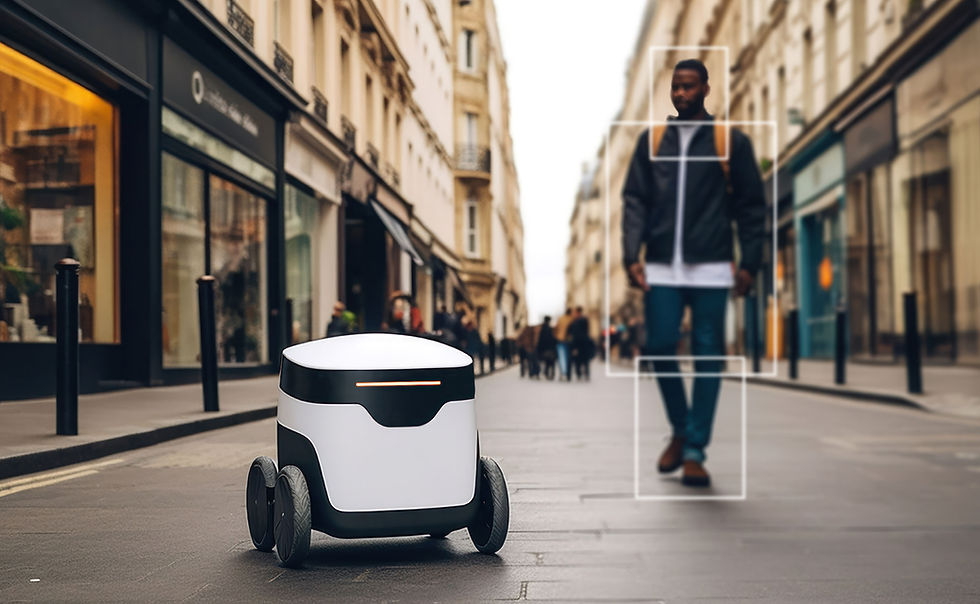
AI-powered UX design refers to the use of Artificial Intelligence and Machine Learning technologies to improve how users interact with digital products.
Instead of delivering static experiences, AI enables products to adapt based on:
User behavior
Preferences
Context
Historical interactions
Real-time data
The result is a more intelligent and personalized user experience.
Examples include:
Personalized content recommendations
AI chat assistants
Smart search functionality
Predictive dashboards
Dynamic user interfaces
Automated content generation
Intelligent customer support systems
When implemented thoughtfully, AI can significantly improve usability and engagement.
The Opportunities of AI in UX Design
1. Personalized User Experiences
One of AI's greatest strengths is its ability to tailor experiences to individual users.
Traditional interfaces often provide the same experience to everyone. AI enables products to adapt based on user behavior and intent.
Examples include:
Personalized dashboards
Product recommendations
Customized content feeds
Adaptive learning platforms
Smart eCommerce experiences
Users receive more relevant information, reducing effort and increasing engagement.
Business Impact
Higher engagement, increased retention, and improved conversion rates.

2. Smarter Product Discovery
Finding the right information quickly is a critical part of good UX.
AI-powered search systems can understand user intent rather than relying solely on keywords.
Examples:
Semantic search
Predictive search suggestions
Intelligent filtering
Voice search capabilities
Users spend less time searching and more time achieving their goals.
3. Enhanced Customer Support
AI chatbots and virtual assistants have evolved significantly.
Modern AI support systems can:
Answer common questions
Guide users through workflows
Recommend solutions
Provide 24/7 assistance
This improves customer satisfaction while reducing support costs.
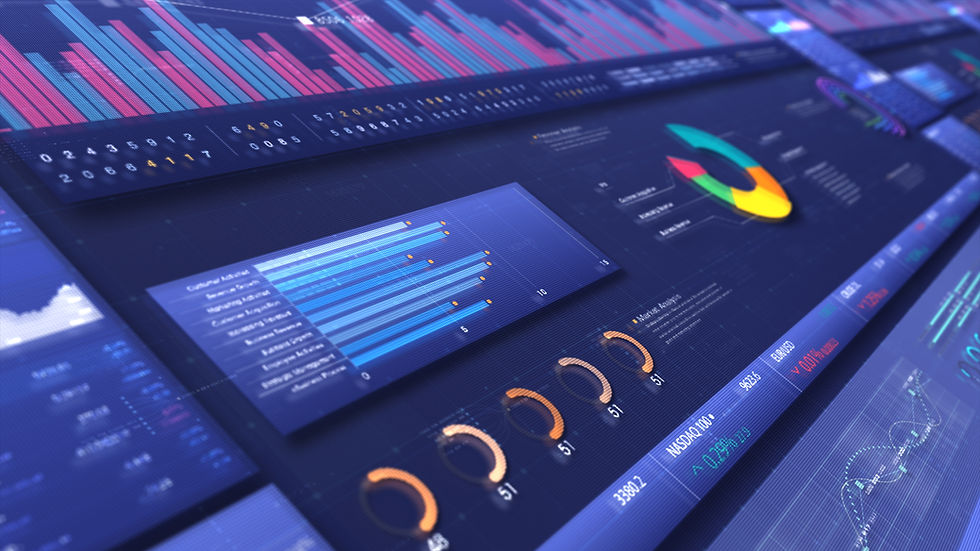
4. Data-Driven Design Decisions
UX teams often rely on research and analytics to understand user behavior.
AI can accelerate this process by identifying:
Usage patterns
User drop-off points
Conversion bottlenecks
Feature adoption trends
Rather than guessing what users need, teams can make informed decisions based on large-scale behavioral data.
5. Faster Design and Content Creation
AI tools are helping designers streamline repetitive tasks.
Examples include:
Wireframe generation
Content creation
Design system recommendations
Image generation
UX writing assistance
Accessibility checks
This allows designers to spend more time solving strategic problems rather than performing repetitive production work.
6. Predictive User Experiences
AI can anticipate user needs before they explicitly ask.
Examples include:
Predictive analytics dashboards
Suggested actions
Smart reminders
Proactive notifications
Automated workflow recommendations
Predictive experiences reduce effort and improve productivity.

The Risks of AI-Powered UX Design
While AI presents enormous opportunities, it also introduces significant challenges.
1. Loss of Human-Centered Design
The biggest mistake organizations make is assuming AI can replace human understanding.
AI can process data.
It cannot fully understand:
Human emotions
Cultural context
Motivation
Empathy
Ethical concerns
Design decisions should always be guided by human needs rather than algorithms alone.
The Risk
Products become technically intelligent but emotionally disconnected.
2. Algorithmic Bias
AI systems learn from historical data.
If that data contains bias, AI can unintentionally reinforce it.
Examples include:
Biased recommendations
Unequal user treatment
Exclusion of specific user groups
Discriminatory outcomes
Bias damages trust and can create legal and ethical risks.
3. Reduced Transparency
Many AI systems operate as "black boxes."
Users often don't understand:
Why recommendations appear
How decisions are made
What data is being used
When users feel manipulated or confused, trust decreases.
Best Practice
Provide transparency whenever AI influences important decisions.

4. Privacy Concerns
Personalization requires data.
The more personalized an experience becomes, the more user information is typically collected.
Organizations must carefully balance:
Personalization
User consent
Data security
Privacy regulations
Trust is difficult to build and easy to lose.
5. Over-Automation
Not every problem should be solved with AI.
Many companies introduce AI simply because it's trendy.
Examples include:
Unnecessary chatbots
Overly complex recommendations
Automated interactions that frustrate users
The goal should always be improving the user experience—not showcasing technology.

6. User Dependency and Loss of Control
When AI makes too many decisions, users can feel disconnected from the experience.
Examples include:
Automated workflows without explanations
Hidden decision-making processes
Limited user customization
Users should always feel in control of their journey.
Principles for Responsible AI-Powered UX Design
To create successful AI experiences, organizations should follow these principles:
Keep Humans at the Center
AI should assist users—not replace human judgment.
Prioritize Transparency
Explain how AI recommendations and decisions are generated.
Build for Trust
Respect privacy, provide clear permissions, and communicate openly.
Avoid Bias
Regularly test AI systems for fairness and inclusivity.
Maintain User Control
Allow users to customize, override, or disable AI-driven experiences.
Focus on Real Problems
Implement AI only when it genuinely improves usability and business outcomes.

The Future of UX Design and AI
AI is not replacing UX designers.
Instead, it is transforming their role.
The future of UX design will require professionals who can combine:
Human-centered thinking
Design strategy
Behavioral psychology
Data analysis
AI capabilities
The most successful digital products will be those that blend intelligent automation with meaningful human experiences.
Technology alone does not create great experiences.
Thoughtful design does.

Final Thoughts
AI is one of the most powerful tools available to modern product teams. It can personalize experiences, streamline workflows, improve customer support, and uncover valuable insights at scale.
However, AI is not a substitute for understanding users.
The most effective AI-powered experiences are those that enhance human decision-making rather than replace it. Organizations that balance innovation with empathy, transparency, and trust will be best positioned to create products that users genuinely value.
At DesignDelight, we help businesses design AI-enabled digital experiences that combine advanced technology with human-centered design principles—ensuring innovation never comes at the cost of usability.
Because the future of UX isn't just intelligent.
It's human-centered, intelligent, and responsible.
Author: DesignDelight Team
Category: AI & UX Design, Product Strategy, Digital Innovation
Keywords: AI UX Design, Artificial Intelligence User Experience, AI Product Design, Human-Centered AI, UX Design Trends, AI in Product Development, UX Consulting, Digital Experience Design
Comments